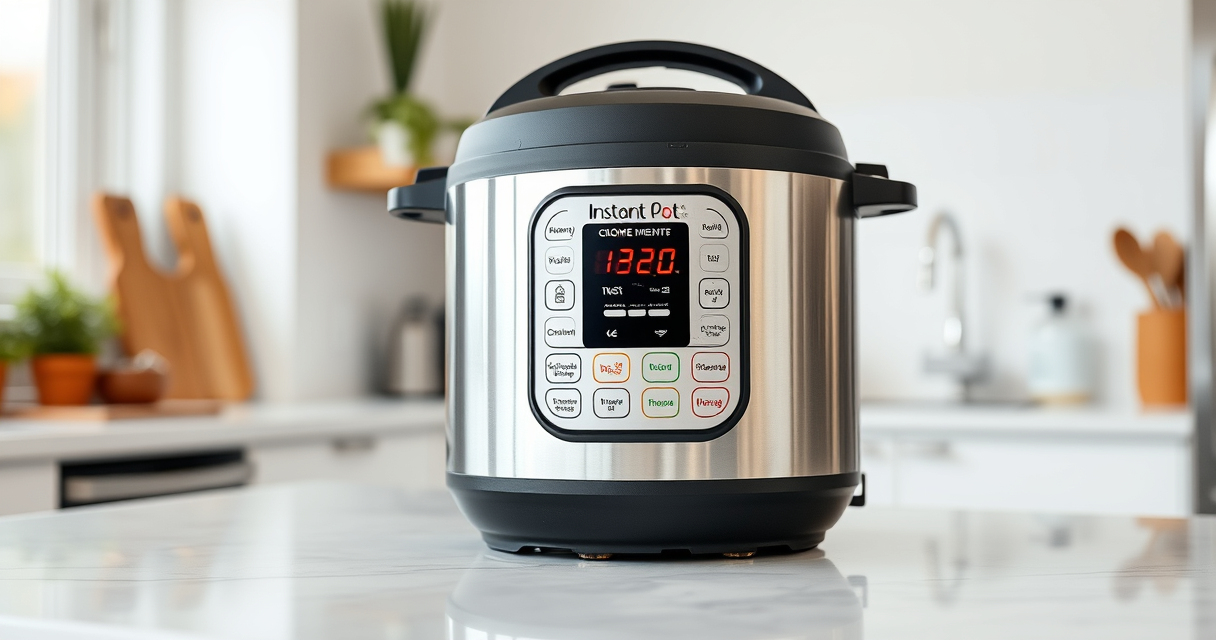

If your Instant Pot displays a burn error message, it can be frustrating and disrupt your cooking. This common issue can stem from various causes, but most are easy to resolve with proper troubleshooting. Understanding the root causes and following step-by-step fixes will help you get your pressure cooker back in action quickly and safely.

Get kitchen staples and gadgets delivered free with Prime
- Fast, free delivery on millions of items
- Prime Video, Amazon Music and more included
- Member-only deals all year
In this guide, we’ll cover the main causes of the burn error, practical steps to fix it, and tips to prevent it from happening again. Whether you’re a new user or experienced with your Instant Pot, these instructions will help ensure safe and efficient cooking every time.
Key Takeaways
| Common Causes | Food sticking, too much liquid, or improper sealing can trigger burn errors. |
| Quick Fixes | Stir the ingredients, check the sealing ring, and ensure sufficient liquid. |
| Prevention Tips | Use the right amount of liquid and avoid thick sauces that stick. |
| Safety Reminder | Always follow safety procedures when troubleshooting. |
Understanding the Burn Error
The burn error appears when the Instant Pot detects that food is burning or sticking to the bottom during pressure cooking. It’s a safety feature that prevents damage to the device and ensures your meal is cooked properly.
Step 1: Turn Off and Release Pressure
- Press the ‘Cancel’ button to turn off the Instant Pot.
- Carefully release pressure either naturally or manually using the quick-release valve, following your model’s safety instructions.
Step 2: Open the Lid and Inspect
- Open the lid once the pressure has fully released.
- Check the bottom of the inner pot for burnt or stuck food.
Step 3: Stir and Clean
- Stir the ingredients gently to loosen any stuck bits.
- Remove the inner pot and clean it thoroughly, especially the bottom, with warm soapy water and a non-abrasive scrubber.
Step 4: Check the Sealing Ring and Lid
- Ensure the sealing ring is properly seated and free of damage, odors, or residue.
- Inspect the lid and ensure it locks securely and the pressure release valve is clean and in the correct position.
Step 5: Adjust Cooking Technique and Liquid Levels
For the next cooking cycle, make sure to add enough liquid (at least 1 cup of water or broth) and avoid thick or sticky ingredients that can stick to the bottom. Use the ‘Sauté’ function before pressure cooking to loosen food if needed.
The Products in This Guide

Instant Pot 4QT RIO Mini 7-in-1 Multi-Cooker
- ✔ Capacity: 4 QT
- ✔ Functions: 7-in-1
- ✔ Design: Anti-spin

AOZITA Steamer Basket
- ✔ Size: Fits 6/8 QT
- ✔ Material: Stainless Steel
- ✔ Design: 2-Tier
Instant Pot 4QT RIO Mini 7-in-1 Multi-Cooker
The Instant Pot 4QT RIO Mini is a versatile and space-saving multi-cooker that offers 7 cooking functions, including pressure cooking, slow cooking, and sautéing. Its anti-spin design ensures stability during cooking, making it easy to use and clean.
Pros:
- Compact size perfect for small households
- Multiple functions in one device
- Sturdy anti-spin design
- Fast cooking with up to 70% time savings
Cons:
- Limited capacity for large meals
- Requires careful handling of sealing components
- Can display burn errors if not used correctly
Best for: Small families, singles, students needing versatile cooking
Not ideal for: Large families or those cooking big batches
Bottom line: A reliable mini multi-cooker ideal for small-scale, versatile cooking.
AOZITA Steamer Basket
The AOZITA Steamer Basket adds incredible versatility to your Instant Pot, allowing you to steam vegetables, seafood, and more efficiently. Its 2-tier stackable design maximizes cooking capacity and keeps food well-separated.
Pros:
- Two-tier stackable design
- Made from durable stainless steel
- Compatible with 6 and 8 quart models
- Easy to clean and handle with silicone handles
Cons:
- May require adjustment for smaller models
- Additional accessory cost
- Needs careful stacking to avoid spills
Best for: Cooking multiple dishes simultaneously, steaming vegetables, seafood, or eggs
Not ideal for: For those who prefer single-layer steaming or infrequent use
Bottom line: A practical addition to boost your Instant Pot’s steaming capabilities.
Frequently Asked Questions
Why does my Instant Pot keep showing a burn error?
The burn error usually occurs due to food sticking to the bottom, insufficient liquid, or a damaged sealing ring. Following proper troubleshooting steps can resolve this issue.
How can I prevent the burn error in future cooking?
Use enough liquid (at least 1 cup), avoid thick sauces that stick, and ensure the sealing ring and lid are properly seated before cooking.
Is it safe to continue cooking after fixing the burn error?
Yes, once you’ve cleaned the inner pot and checked all seals and components, it’s safe to resume cooking. Always follow safety instructions.
Can I use a different sealing ring to fix burn errors?
Using a damaged or worn sealing ring can cause pressure issues. Replace with an authentic or compatible ring, such as the Instant Pot Sealing Ring designed for your model.
Keep Your Instant Pot Running Smoothly
Burn errors are common but manageable with proper troubleshooting. Regularly inspecting and maintaining your Instant Pot, especially the sealing ring and inner pot, can prevent future issues. With these simple steps, you can enjoy safe, efficient, and delicious meals using your pressure cooker.
Affiliate disclosure: As an Amazon Associate we earn from qualifying purchases. Prices and availability are accurate as of the time of publishing.
Fall Picks
fall essentials
As an affiliate, we earn on qualifying purchases.